
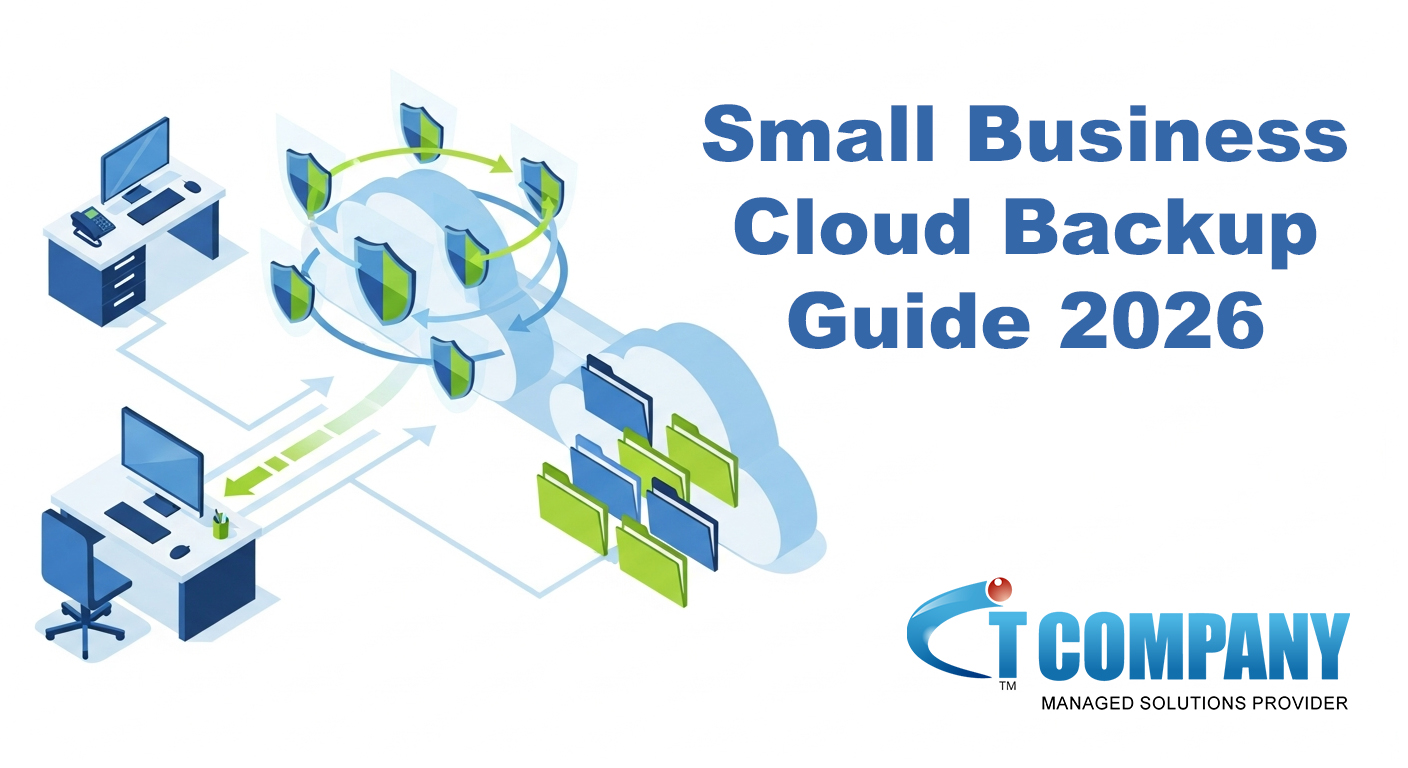
Running a small business is hard enough without worrying about lost files, broken laptops, or ransomware. That is why cloud backup for small business is no longer “nice to have” – it is essential.
In this simple guide, you will learn what cloud backup is, why it matters, and how to build a clear, bulletproof plan without needing deep IT skills.
What Is Cloud Backup for Small Business (and How Does It Work)?
Cloud backup for small business means copying your important data to secure servers on the internet. These servers sit in professional data centers run by a trusted provider.
Instead of storing only one copy of your data on your office PC or server, you keep extra copies in the cloud. If something goes wrong on-site, you can restore your data from the cloud quickly.
Most cloud backup systems work in three simple steps:
- Install a small backup agent on your computers, servers, or cloud apps.
- Choose what to back up – files, folders, databases, email, or even full systems.
- Backups run automatically on a schedule or in real time, sending encrypted data to the cloud.
Because backups run in the background, your team can keep working without interruptions.
Did You Know?
Many modern tools can back up Microsoft 365, Google Workspace, servers, and laptops from one central dashboard.
Why Smart Cloud Backup Matters for Small Businesses Today
Data loss is more common than most owners think. Recent reports show that around 85% of organisations have experienced some form of data loss, and many lose thousands of dollars for every minute they cannot operate.
At the same time, cyber threats are rising fast. Cloud intrusion attempts and ransomware attacks continue to grow, putting smaller companies at real risk.
For a small business, the impact can be severe:
- You may not be able to serve customers.
- You could lose invoices, orders, or project files.
- Extended downtime can even push some businesses toward closure.
However, a smart cloud backup plan changes the story. When your data is backed up safely, you can:
- Restore lost files in minutes.
- Recover entire systems after a crash or cyberattack.
- Prove compliance and resilience to partners and auditors.
For many small companies, a well-designed cloud backup for small business strategy is the cheapest “insurance policy” you will ever buy.
Simple Step-by-Step Cloud Backup Plan for Bulletproof Data Security
You do not need an IT degree to build a strong backup plan. Follow these simple steps.
1. List Your Critical Data and Systems
Start by listing where your important data lives:
- Laptops and desktops
- File servers or NAS devices
- Cloud apps (Microsoft 365, Google Workspace, CRM, ERP)
- Databases and line-of-business apps
Prioritise what would hurt most if you lost it. Those items get backed up first.
2. Choose a Backup Strategy (Cloud-Only or Hybrid)
You have two main options:
- Cloud-only backup: All backups go straight to the cloud.
- Hybrid backup: You keep a local copy (for fast restores) and a cloud copy (for disaster recovery).
Hybrid backup is often the best mix of speed and safety for small businesses.
3. Set Clear Recovery Goals (How Fast, How Much)
Two simple questions guide your setup:
- How much data can you afford to lose? (This is your Recovery Point Objective – RPO.)
- How long can you afford to be down? (This is your Recovery Time Objective – RTO.)
For example, if losing more than one day of work would hurt, you need at least daily backups – or more often for critical systems.
4. Automate Your Backups
Do not rely on manual backups. People forget.
Instead, schedule automatic backups:
- At least once per day for general data
- Hourly or continuous backups for key systems
- Extra backups before big changes or updates
5. Test Your Restores Regularly
A backup you never test is a risk.
Every month (or quarter, at minimum):
- Restore a few random files.
- Run a full restore test on a non-production machine.
- Document how long the restore takes and any issues.
Pro Tip:
Working with a specialist like IT Company, which designs and manages cloud backup strategies for businesses across Australia, ensures your backups are monitored, tested, and ready when you need them.
You can learn more in their in-depth guide on smart cloud backup for small business: Cloud Backup for Small Business | Secure & Smart Data Protection
What Is the Best Cloud Backup Option for Small Businesses?
There is no single “best” tool for everyone. The best cloud backup for small business is the one that matches your size, budget, and risk level.
However, great solutions usually fall into these groups:
- Managed cloud backup services run by an IT partner who designs, monitors, and tests backups for you.
- Self-managed backup software that you install and manage yourself.
- SaaS backup tools for Microsoft 365, Google Workspace, and other cloud apps.
- Server and virtual machine backup for on‑prem and cloud servers.
If you lack in‑house IT staff, a managed service from a trusted provider like IT Company often gives you the best mix of protection, expertise, and value.
Key Features to Look For in a Cloud Backup Service
When you compare providers, look for:
- End‑to‑end encryption (in transit and at rest)
- Data stored in reputable, certified data centres
- Versioning and long‑term retention options
- Automatic, policy‑based scheduling
- Clear dashboards and alerts
- Fast restore options for files and full systems
- Support for both local and cloud backups (hybrid)
- Responsive support when something goes wrong
How Often Should a Small Business Back Up Its Data?
A good rule of thumb:
- At minimum: Back up all business data once per day.
- For critical systems: Use hourly or continuous backups.
- For key cloud apps: Ensure backups run several times per day.
Also follow the classic 3-2-1 rule:
- Keep 3 copies of your data
- On 2 different types of storage
- With 1 copy off‑site (usually the cloud)
Fun Fact:
Many backup disasters happen because people had only a local copy – which was lost with the device. The 3‑2‑1 rule stops that from happening.
Why Partnering With a Trusted Cloud Backup Expert Saves You Time and Stress
As your business grows, backups become more complex. You may add new apps, remote staff, and more devices. Trying to manage everything alone can be stressful and risky.
A specialist partner can:
- Design a tailored backup and recovery plan
- Set up secure, automated cloud backup for small business
- Monitor daily backups and fix issues fast
- Run regular restore tests and health checks
- Guide you on compliance and industry best practice
IT Company, for example, helps small businesses build secure, scalable cloud backup strategies that protect data around the clock, while keeping the setup and language simple for non‑technical teams.
This frees you to focus on customers and growth, while knowing your data is safe.
FAQs: Small Business Cloud Backup
1. Is cloud backup safe for small businesses?
Yes, when done right. Good providers use strong encryption, strict access controls, and secure data centres with multiple layers of physical and digital security.
2. What is the difference between cloud backup and cloud storage?
- Cloud storage (like simple file sync tools) is mainly for sharing and working on files.
- Cloud backup creates protected copies of your data so you can restore older versions or recover after a disaster.
You should not rely on basic cloud storage alone as your backup.
3. Can cloud backup help with ransomware?
Yes. With proper versioning and immutable backups, you can roll back to clean copies of your data from before the attack. This can save you from paying ransoms and reduce downtime.
4. How much does cloud backup for small business cost?
Costs depend on:
- How much data you protect
- How often you back up
- Whether you choose a self‑managed tool or a managed service
Most small businesses can start with an affordable monthly plan that scales as they grow.
5. Do I still need local backups if I use the cloud?
Ideally, yes. A hybrid approach (local + cloud) gives fast local restores and strong off‑site protection. This is often the most resilient setup for small businesses.
Subscribe
Login
0 Comments