
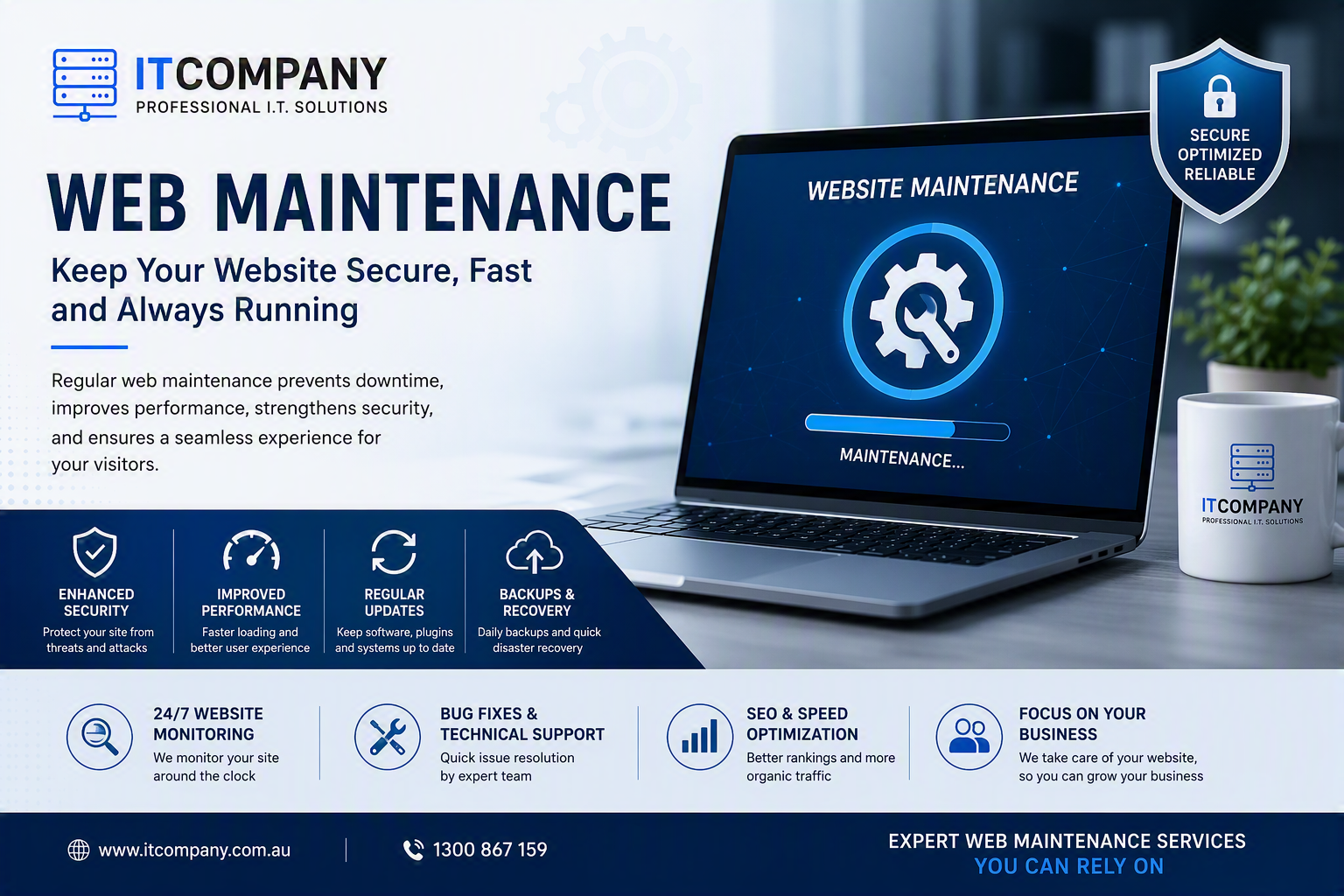
A website does not need to go completely offline to cost your business valuable leads. A broken enquiry form, an expired security certificate, a slow mobile page, or an outdated plugin can affect customer trust and conversions long before anyone notices the problem.
Your website is an active business asset that works around the clock to attract visitors, present your services, generate enquiries, and support customers. However, launching it is only the first step. Regular web maintenance is essential for keeping it secure, fast, reliable, accessible, and aligned with your business goals.
In 2026, websites depend on content management systems, plugins, APIs, analytics tools, payment gateways, security applications, and third-party integrations. Each component requires monitoring and regular care. Investing in professional website maintenance services can help your business prevent avoidable problems and maintain a dependable online presence.
What Is Web Maintenance?
Web maintenance is the ongoing process of updating, monitoring, securing, repairing, and optimising a website so that it remains functional, accurate, accessible, and reliable.
Unlike a one-time website project, maintenance continues throughout the life of your website. It covers software updates, security monitoring, backups, technical testing, performance improvements, content changes, and search engine maintenance.
A comprehensive web maintenance plan may include:
- Content management system updates
- Plugin, theme, and extension updates
- Website backups and recovery testing
- Malware and vulnerability scanning
- Uptime and performance monitoring
- Broken-link and error checks
- Form, booking, and checkout testing
- Content and image updates
- Mobile and browser compatibility testing
- Technical SEO monitoring
- Accessibility assessments
- Domain and SSL certificate monitoring
- Analytics and tracking validation
The objective is not simply to fix problems after they appear. Effective maintenance identifies risks early and prevents them from affecting customers.
Why Web Maintenance Matters More in 2026
Modern websites are more complex and interconnected than traditional brochure websites. A problem with one plugin, API, tracking script, or payment integration can affect several parts of the customer journey.
Security risks have also expanded beyond obvious malware attacks. Website owners must now consider outdated software dependencies, weak access controls, third-party integrations, automated attacks, and software supply-chain risks. The OWASP Top 10 for 2025 identifies software supply-chain failures among the leading web application security risks, reinforcing the importance of actively managing website software and dependencies. [owasp.org]
Web maintenance in 2026 should therefore include:
- Automated uptime and threat monitoring
- Software dependency management
- Stronger user access controls
- Third-party integration testing
- Real-user performance monitoring
- Privacy and cookie consent reviews
- Accessibility checks based on current standards
- Tested backups and disaster recovery procedures
- AI-assisted anomaly and vulnerability detection
Maintenance is no longer limited to updating WordPress plugins once a month. It requires a coordinated approach to security, performance, content, accessibility, SEO, and recovery.
The Cost of Neglecting Website Maintenance
Many businesses take a reactive approach and only request website repair and maintenance after something has stopped working. Although this may appear less expensive initially, emergency repairs, lost enquiries, data recovery, and reputational damage can make it far more costly.
Common consequences include:
| Website issue | Potential business impact | Preventive action |
|---|---|---|
| Security vulnerability | Data exposure and loss of trust | Updates, scanning and access reviews |
| Broken enquiry form | Missed leads and sales opportunities | Regular form testing and error monitoring |
| Slow website | Lower engagement and fewer conversions | Performance monitoring and optimisation |
| Outdated content | Confused customers and reduced credibility | Scheduled content reviews |
| Website downtime | Lost revenue and customer frustration | Uptime monitoring and recovery planning |
| Failed backup | Longer recovery time after an incident | Backup verification and restoration testing |
| Technical SEO error | Crawling, indexing, or visibility issues | Search Console and technical SEO checks |
Preventive maintenance allows small issues to be addressed before they develop into major technical failures.
What Does Effective Website Maintenance Include?
Security Updates and Monitoring
Outdated CMS software, plugins, themes, and extensions can create opportunities for attackers. Routine security maintenance helps reduce these risks by applying updates, monitoring suspicious activity, and reviewing website access.
Security maintenance should include:
- CMS, plugin, and theme updates
- Malware and vulnerability scanning
- Firewall and spam protection
- Administrator account reviews
- Strong authentication practices
- SSL certificate monitoring
- Security log reviews
- Unused plugin and account removal
Updates should ideally be tested in a staging environment before being applied to a live website. A rollback plan should also be available if an update creates a compatibility problem.
Backup and Disaster Recovery
Creating a backup is only one part of protecting a website. A reliable backup strategy must also consider storage location, frequency, retention, encryption, and restoration.
Depending on the website, backups may be required daily, weekly, or monthly. High-traffic and eCommerce websites generally need more frequent backups because their content, orders, and customer data can change throughout the day.
Backups should be stored away from the main hosting environment and tested periodically. A professional site maintenance service should confirm that files and databases can be restored, rather than assuming every automated backup is usable.
Website Speed and Performance
Visitors expect pages to load quickly and respond smoothly. Performance problems can be caused by oversized images, inefficient plugins, database clutter, poor hosting resources, unnecessary scripts, or caching errors.
Google’s current Core Web Vitals guidance recommends an Largest Contentful Paint of 2.5 seconds or less, an Interaction to Next Paint below 200 milliseconds, and a Cumulative Layout Shift below 0.1 for a good user experience.
Performance maintenance may involve:
- Compressing and resizing images
- Configuring browser and server caching
- Cleaning the website database
- Reviewing scripts and plugins
- Monitoring Core Web Vitals
- Checking hosting resource usage
- Testing important pages on mobile devices
- Using a content delivery network where appropriate
Performance should be monitored over time because a website can gradually slow down as content, plugins, scripts, and integrations are added.
Content and Functionality Checks
Outdated information can reduce trust even when the website is technically working. Service details, opening hours, prices, staff information, promotions, policies, and contact details should be reviewed regularly.
Maintenance should also test the functionality customers rely on, including:
- Contact and quote forms
- Booking systems
- Shopping carts and payment gateways
- Customer login areas
- Search features
- Download links
- Email notifications
- CRM and marketing integrations
A form can appear to work while failing to deliver submissions to the correct inbox. Regular testing helps detect these silent lead-generation problems.
Accessibility Maintenance
Accessibility should be treated as an ongoing responsibility rather than a one-time design task. New pages, forms, images, videos, and plugins can introduce accessibility problems even if the original website was designed carefully.
The W3C recommends using WCAG 2.2 for current accessibility efforts. The standard covers accessibility across desktop and mobile experiences and is organised around content being perceivable, operable, understandable, and robust.
Accessibility checks may include:
- Alternative text for meaningful images
- Clear heading structures
- Keyboard navigation
- Visible focus indicators
- Appropriate colour contrast
- Form labels and helpful error messages
- Screen-reader compatibility
- Captions or transcripts for multimedia
- Suitable touch-target sizes
Improving accessibility can create a more usable experience for every visitor, not only people with disabilities.
How Web Maintenance Supports SEO
Website maintenance supports SEO by keeping important pages accessible, secure, mobile-friendly, and technically sound. It does not replace helpful content, strong relevance, quality links, or a complete SEO strategy.
Google explains that its ranking systems consider multiple signals connected with overall page experience. Website owners should focus on providing a strong experience across several areas rather than treating one metric as a guaranteed ranking factor.
SEO-related maintenance commonly includes:
- Checking website crawling and indexing
- Reviewing Google Search Console errors
- Fixing broken internal and external links
- Monitoring redirects and canonical tags
- Updating XML sitemaps
- Reviewing robots.txt instructions
- Validating structured data
- Checking duplicate or outdated content
- Monitoring mobile usability
- Maintaining HTTPS
- Reviewing page speed and Core Web Vitals
A technically healthy website gives search engines a stronger foundation for discovering, processing, and presenting its content.
How Often Should Website Maintenance Be Performed?
Maintenance frequency depends on the website’s size, platform, traffic, functionality, and business importance. A small information website does not require the same schedule as an online store or membership platform.
Daily or continuously
- Uptime and security monitoring
- Critical error detection
- Backup-status monitoring
- Transaction and form alerts
Weekly
- Software and plugin update reviews
- Security log checks
- Form and checkout testing
- Backup verification
Monthly
- Performance and Core Web Vitals review
- Broken-link scan
- Search Console review
- Content accuracy check
- User account and permission audit
- Analytics and tracking validation
Quarterly
- Accessibility assessment
- Conversion-path testing
- Hosting resource review
- Integration and dependency review
- Test restoration from a backup
Annually
- Comprehensive technical audit
- Domain and SSL renewal review
- Privacy and consent configuration review
- Website design and functionality assessment
- Maintenance plan evaluation
Critical security updates should not be delayed until the next monthly review. They should be assessed and applied as soon as practical after appropriate testing.
Website Maintenance vs Website Hosting Maintenance
Website hosting and website maintenance are related, but they are not the same service.
Hosting provides the infrastructure needed to store your website and make it available online. Website maintenance focuses on the application, content, software, security, and functionality visitors interact with.
Hosting maintenance may cover:
- Server monitoring
- Infrastructure security
- Resource allocation
- Network availability
- Server-level backups
Website maintenance may cover:
- CMS and plugin updates
- Content changes
- Malware monitoring
- Form and functionality testing
- Application-level backups
- Performance and SEO checks
Some responsibilities, including backups, security, uptime, and performance, may be shared between both services. Combined web hosting and maintenance services can simplify support by giving one provider greater visibility across the hosting environment and website itself.
Choosing an Affordable Website Maintenance Service
Affordable website maintenance should provide suitable protection and support for the value and complexity of your website. The cheapest plan may become expensive if it excludes emergency support, malware removal, backup restoration, or essential updates.
When comparing affordable website maintenance services, review:
- Update frequency
- Backup frequency and retention
- Uptime monitoring
- Malware protection
- Emergency response arrangements
- Included content updates
- Performance monitoring
- Monthly reporting
- Hosting inclusions
- Additional repair charges
- Support response times
- Staging and rollback procedures
A monthly maintenance report should clearly explain updates completed, backup status, security findings, uptime, performance changes, errors repaired, and recommended next steps.
Final Thoughts
A successful website requires more than professional design and useful content. It needs continuous monitoring and regular care to remain secure, fast, accurate, accessible, and dependable.
Professional web maintenance can reduce downtime, protect business information, support technical SEO, improve customer experience, and identify problems before they become costly emergencies. The appropriate plan will depend on your website type, traffic, integrations, and level of risk.
Not sure whether your website is being maintained properly? Request a professional website health check to identify outdated software, security vulnerabilities, performance issues, broken functionality, and technical SEO problems.
Frequently Asked Questions
What is web maintenance?
Web maintenance is the continuous process of updating, monitoring, securing, repairing, and optimising a website to keep it functional and reliable.
Does web hosting include website maintenance?
Not always. Hosting normally supports the server environment, while website maintenance manages the CMS, plugins, content, functionality, security, and performance. Check your provider’s inclusions carefully.
Can web maintenance prevent hacking?
No service can guarantee that a website will never be attacked. However, timely updates, malware scanning, access controls, backups, monitoring, and security hardening can significantly reduce risk and support faster recovery.
Does website maintenance improve SEO?
Maintenance supports SEO by improving site health, speed, mobile usability, HTTPS, crawlability, indexing, uptime, and error management. It should complement, not replace, a broader SEO and content strategy.
Are affordable website maintenance services worthwhile?
Yes, provided the plan matches your website’s needs. Effective maintenance can help prevent downtime, lost leads, security incidents, data loss, and expensive emergency repairs.
